

Ever wonder what actually happens after you click “apply” on a job posting?
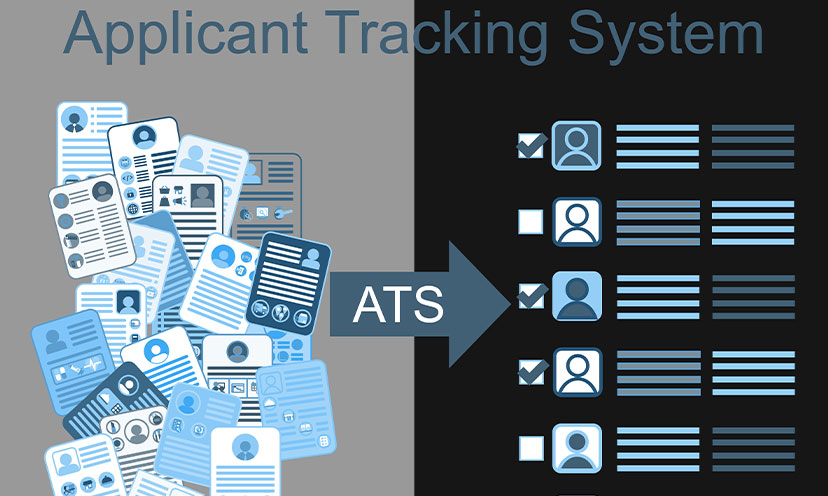
Your resume doesn’t land directly on a hiring manager’s desk, unfortunately. It goes into an Applicant Tracking System (ATS) – software that nearly every major company uses to manage the tsunami of applications they receive. On Indeed alone – the world’s largest job board) – a single posting can attract hundreds or even thousands of candidates. No human could manually review all of that.
The good news? You can work with all of this. Despite viral claims that “75% of resumes are auto-rejected,” the reality is far less dramatic – and far more in your control.
Your resume isn’t battling a robot gatekeeper like some would have you believe. It’s entering a filing system. Your goal is to be easy to file and easy to find when recruiters go searching.

The Filters You Need to Clear
Now, can an ATS filter you out? Yes, but it’s more targeted than you might think.
Knockout questions are the real deal-breakers. These are yes/no questions like “Are you legally authorized to work in the US?” or “Do you have a valid CPA license?” Answer incorrectly, and you’re out before a human ever sees your application. Always read these carefully.
Minimum criteria filters let recruiters set baseline requirements. If a job requires five years of experience and you have two, you may not make the cut. This isn’t the ATS being unfair; it’s doing what the employer asked.
Keyword searches are where most job seekers unknowingly stumble. According to Jobscan’s 2025 research, 99.7% of recruiters use keyword filters to sort and find candidates. If your resume doesn’t contain the terms they’re searching for, you simply won’t surface. Not rejected per se, just invisible.

Format Your Resume for Success
ATS software reads resumes from top to bottom, left to right. Fancy designs might look impressive, but they can confuse the system and cause important details to get scrambled or skipped entirely.
Stick to clean, simple layouts. Use a single-column format and avoid tables, text boxes, graphics, or images. Those creative skill bars and icons? The ATS can’t read them.
Choose standard fonts. Arial, Calibri, Times New Roman, or Georgia in 10-12 point size all work perfectly. Save the artistic typography for your portfolio.
Use conventional section headers. “Work Experience,” “Education,” and “Skills” are what the system expects. Creative alternatives like “Where I’ve Made an Impact” might confuse the software.
Mind your file format. Unless the posting specifically requests a PDF, submit a Word document (.docx). It’s the most universally readable format across different ATS platforms.
Name your file professionally. “FirstName_LastName_Resume.docx” beats “resume_final_v3_USE THIS ONE.docx” every time.
Keep critical info out of headers and footers. Some ATS can’t read these areas at all, so don’t bury your contact information there.
A note for Indeed users: If you’re building your resume through Indeed’s resume tool, you’re already starting with an ATS-friendly format. Just remember to customize for each job posting – the template is the foundation, not the finished product.
Keywords Are Your Secret Weapon
Remember, recruiters search the ATS database using specific terms. Your mission is to speak their language.
Mine the job description. Read it like a treasure map. Note the exact phrases they use for required skills, qualifications, tools, and certifications. If they say “project management,” use “project management” in your resume, not “managed projects.”
Include acronyms and full terms. Write “Search Engine Optimization (SEO)” to cover all your bases. Some recruiters search by acronym, others by the full phrase.
Place keywords strategically. Work them into your professional summary, your skills section, and your work experience bullets. Aim for two to three natural mentions of key terms. Keyword stuffing is obvious and off-putting to the humans who eventually read your resume.
Make it easy on human eyes too. Once your resume surfaces in a search, a recruiter will skim it fast. Placing your skills section near the top (right after your summary) lets them quickly confirm you’re a match – which is the whole point of getting past the ATS in the first place.
Quick Wins That Add Up
A few extra tweaks can boost both your ATS visibility and your appeal to human readers.
Quantify your achievements. Numbers catch attention. “Increased sales by 34%” lands better than “improved sales performance.”
Lead with action verbs. Developed, launched, improved, and led are stronger than “responsible for” or “helped with.”
Tailor every single time. Keep a master resume with all your experience, then customize it for each application. Yes, it takes an extra ten minutes. Yes, it’s worth it.
Helpful Resources
In addition to Indeed’s Resume Builder with its ATS-friendly templates, Google Docs and Microsoft Word both offer free ATS-compatible templates. You can also check your resume against a job description with tools like Jobscan and Resume Worded to see how well your keywords match.
The Real Takeaway
The ATS isn’t your enemy. It’s a tool, so you just have to know how to work with it. A clean format gets your information filed correctly. Strategic keywords make you findable. And the same resume that clears ATS filters also looks polished and professional to the hiring manager who eventually reads it.
Your next step: Pull up a job posting you’re interested in, identify five to seven keywords from the description, and make sure they appear naturally in your resume. That one small habit – a few minutes of keyword tailoring – can be the difference between crickets and callbacks.